Social images
An image for each post, made from its title
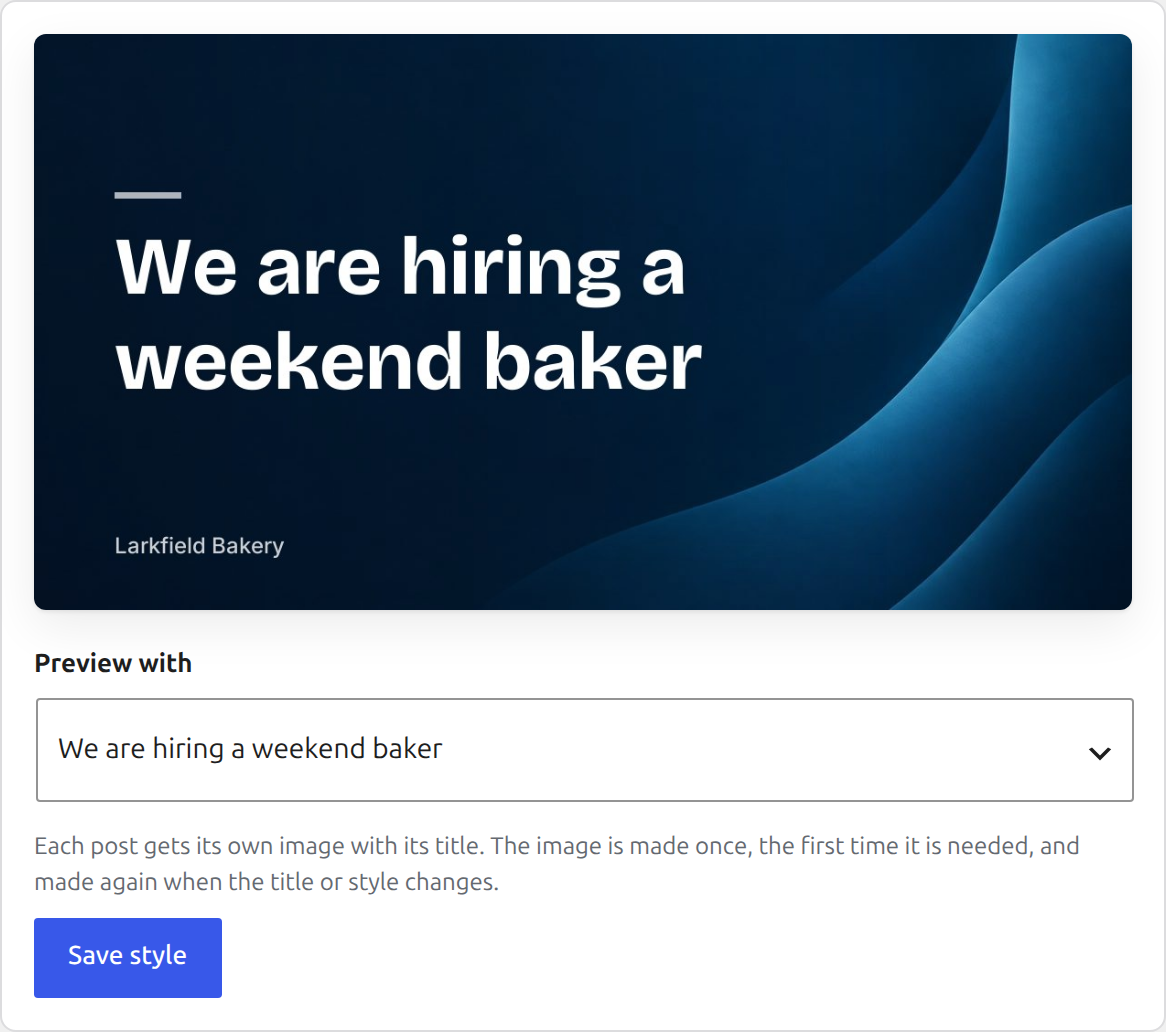
PressQueue draws a picture for each post you share: the title on a background, with your site name under it. Posts without a photo still show a picture in the feed.

Examples
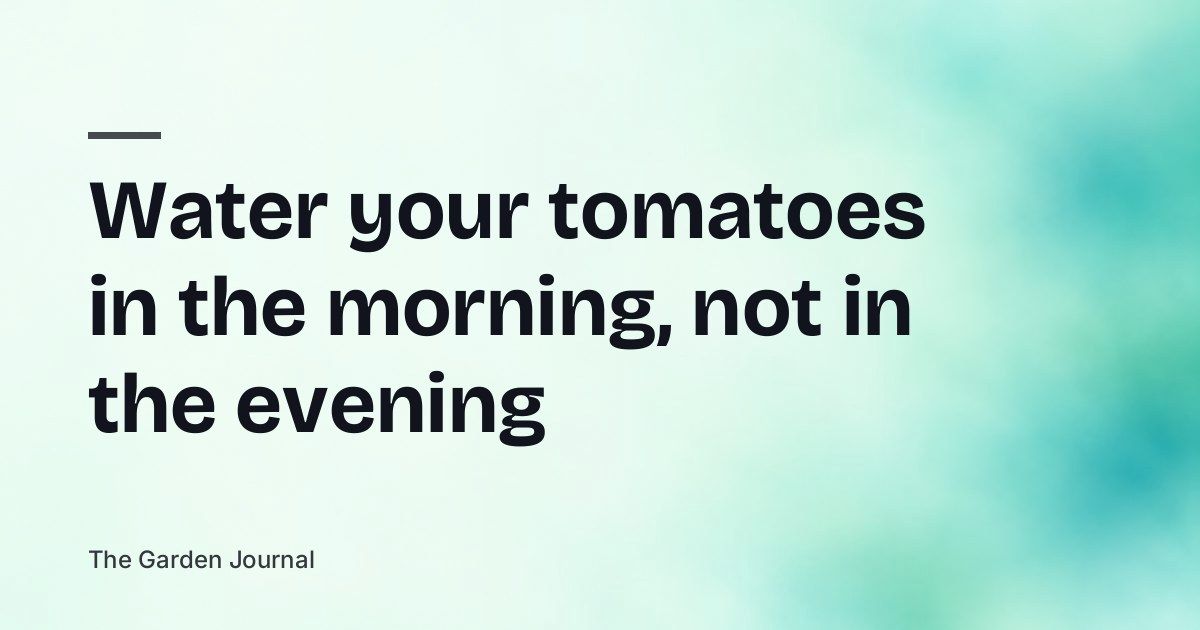


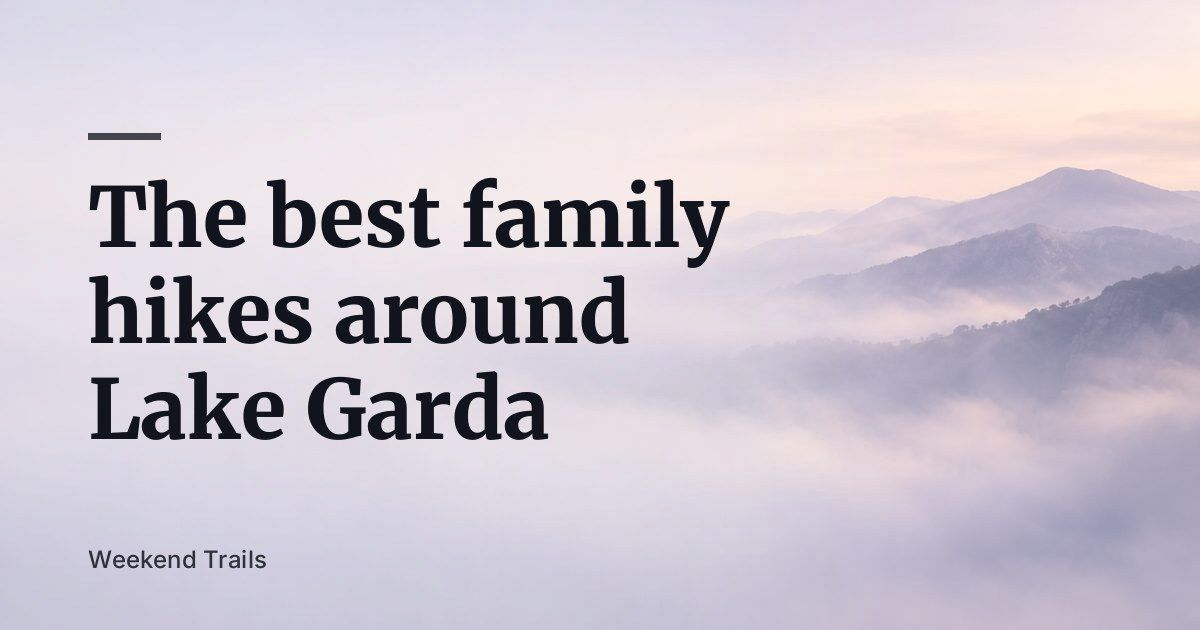

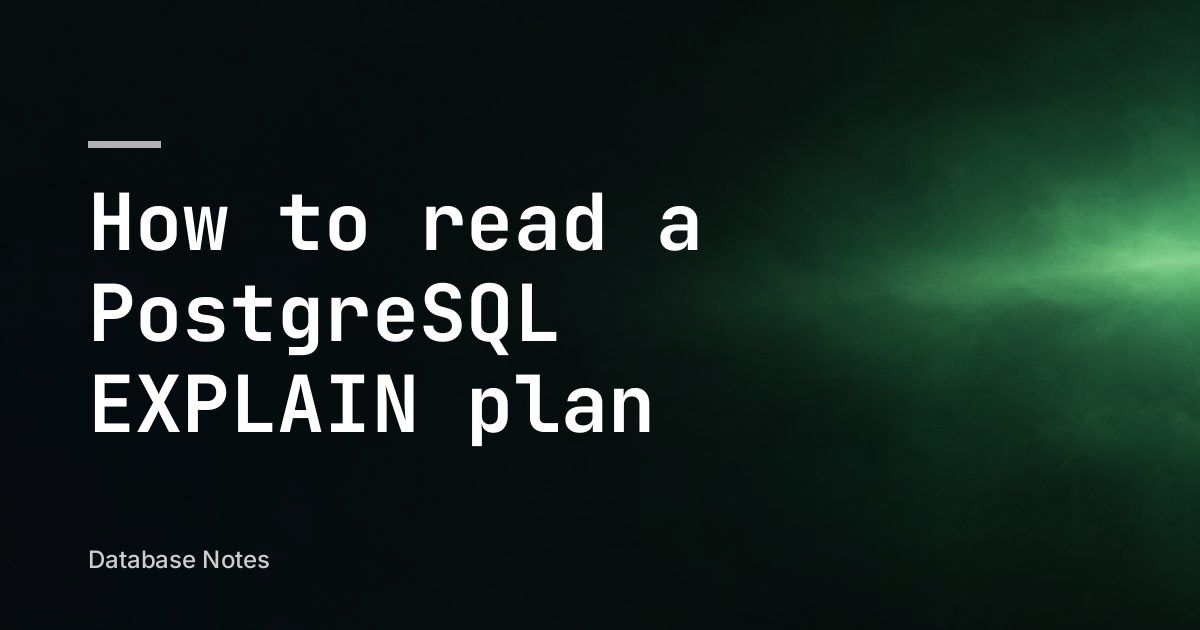

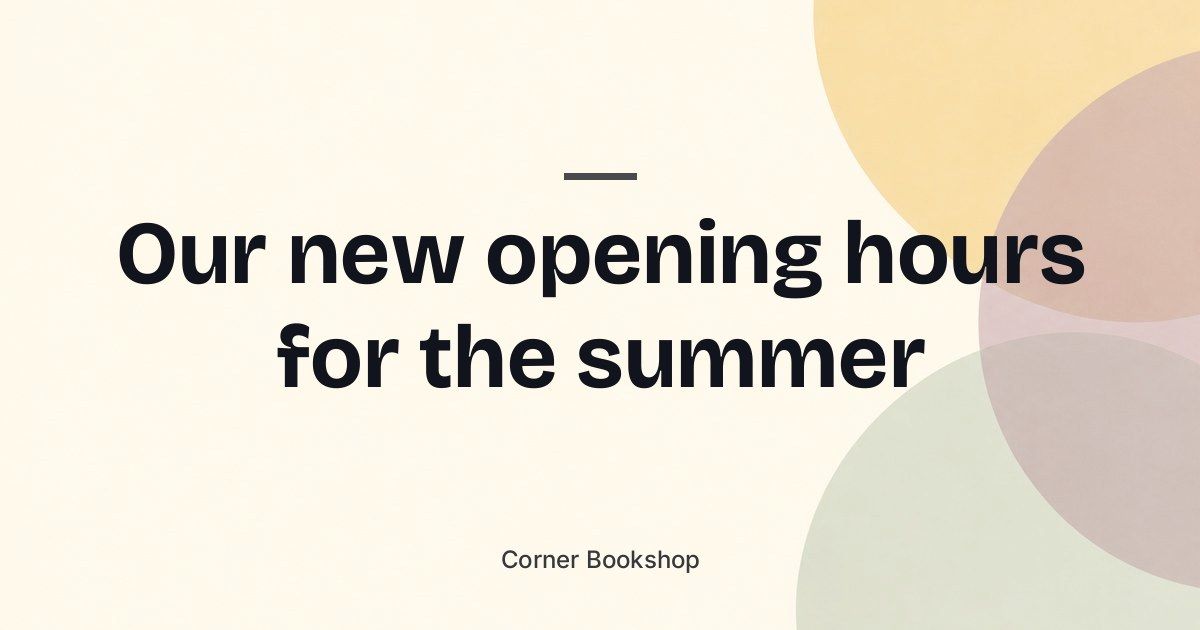

All of these came out of PressQueue unchanged. The titles and site names are examples.
How do I pick a style?
Open Settings, then Social images. Choose a background and a font, and the preview shows the image with your latest post titles.
The text can be white, black or chosen for you to match the background. The title sits on the left or in the middle. Under it goes your domain, a name you type, or nothing.
You can also use your own background from the Media Library. A wide image of at least 1200 by 630 pixels works best.
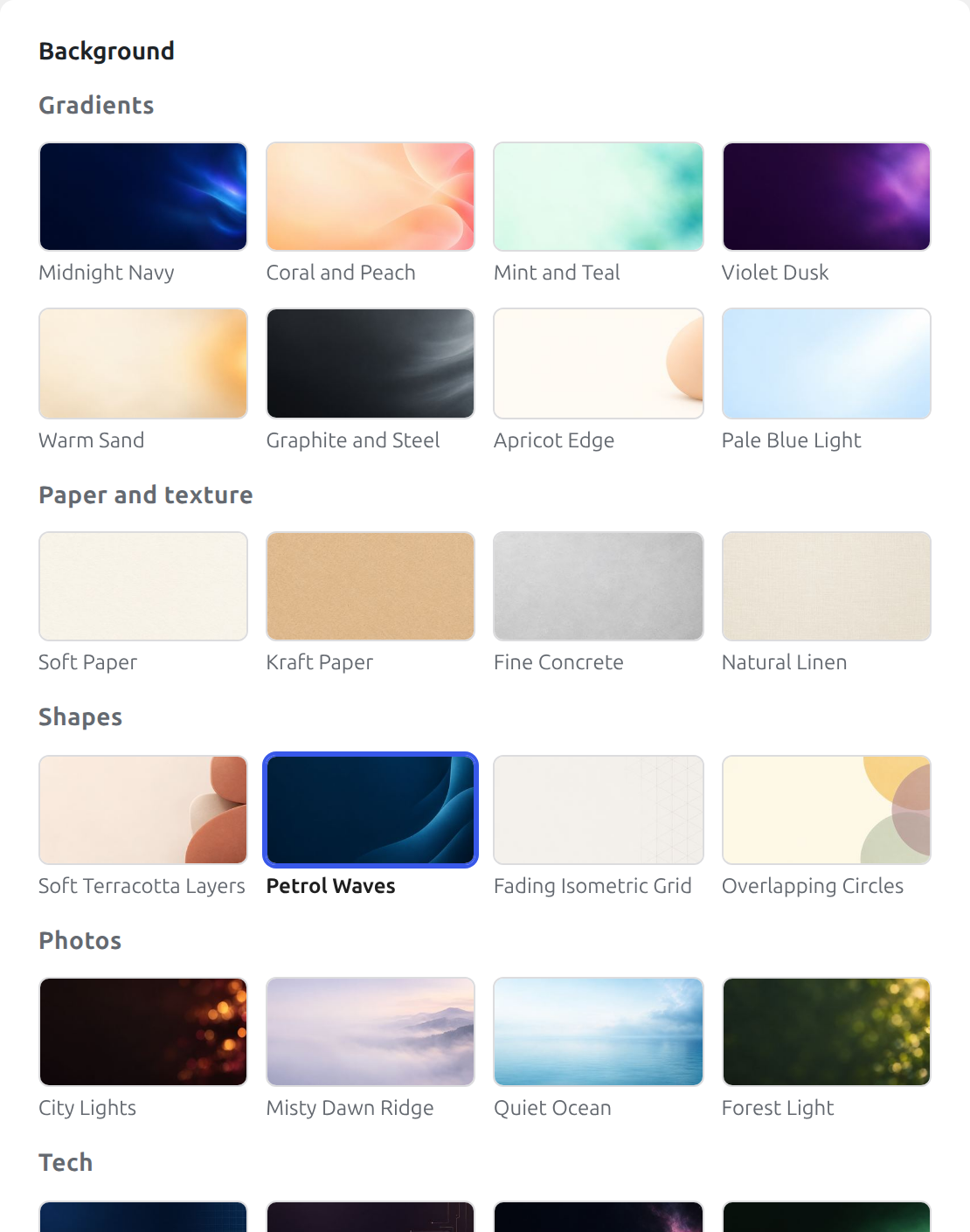
24 backgrounds
Each one is calm enough to sit behind a long title. They were made for PressQueue and come with the plugin.
-

Midnight Navy
Gradients
-

Coral and Peach
Gradients
-

Mint and Teal
Gradients
-

Violet Dusk
Gradients
-

Warm Sand
Gradients
-

Graphite and Steel
Gradients
-

Apricot Edge
Gradients
-

Pale Blue Light
Gradients
-

Soft Paper
Paper and texture
-

Kraft Paper
Paper and texture
-

Fine Concrete
Paper and texture
-

Natural Linen
Paper and texture
-

Soft Terracotta Layers
Shapes
-

Petrol Waves
Shapes
-

Fading Isometric Grid
Shapes
-

Overlapping Circles
Shapes
-

City Lights
Photos
-

Misty Dawn Ridge
Photos
-

Quiet Ocean
Photos
-

Forest Light
Photos
-

Midnight Blueprint
Tech
-

Fading Circuits
Tech
-

Distant Nebula
Tech
-

Terminal Green Glow
Tech
6 fonts
There is one plain font, two with more character, two serifs and one for code-heavy blogs. Long titles get smaller until they fit in four lines.
-
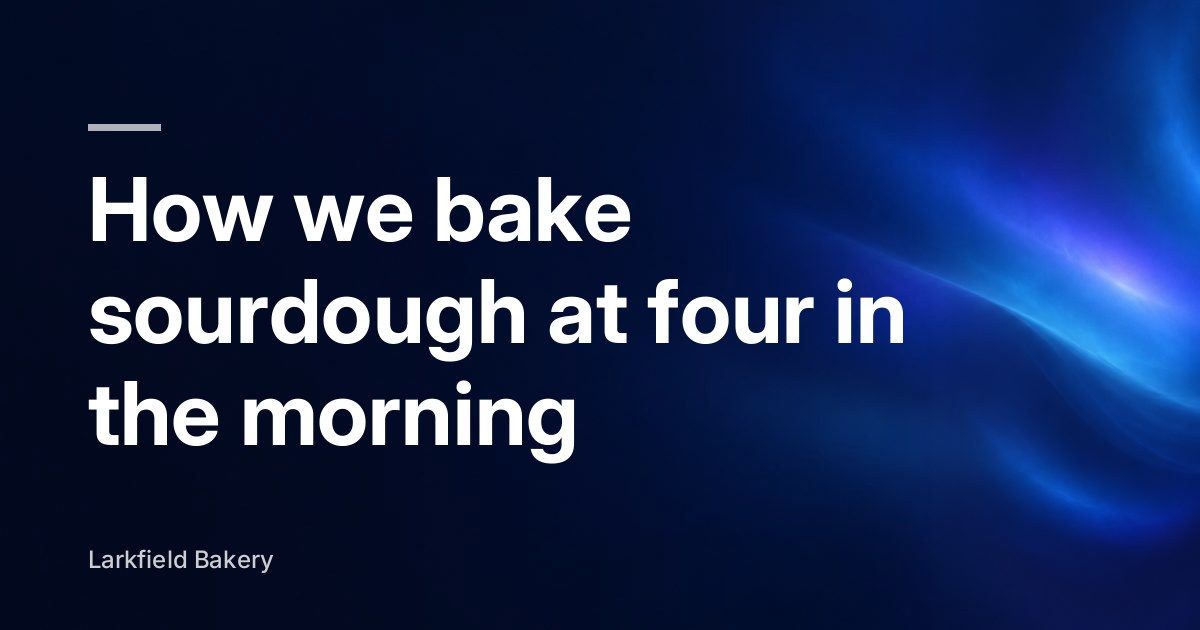
Inter
-
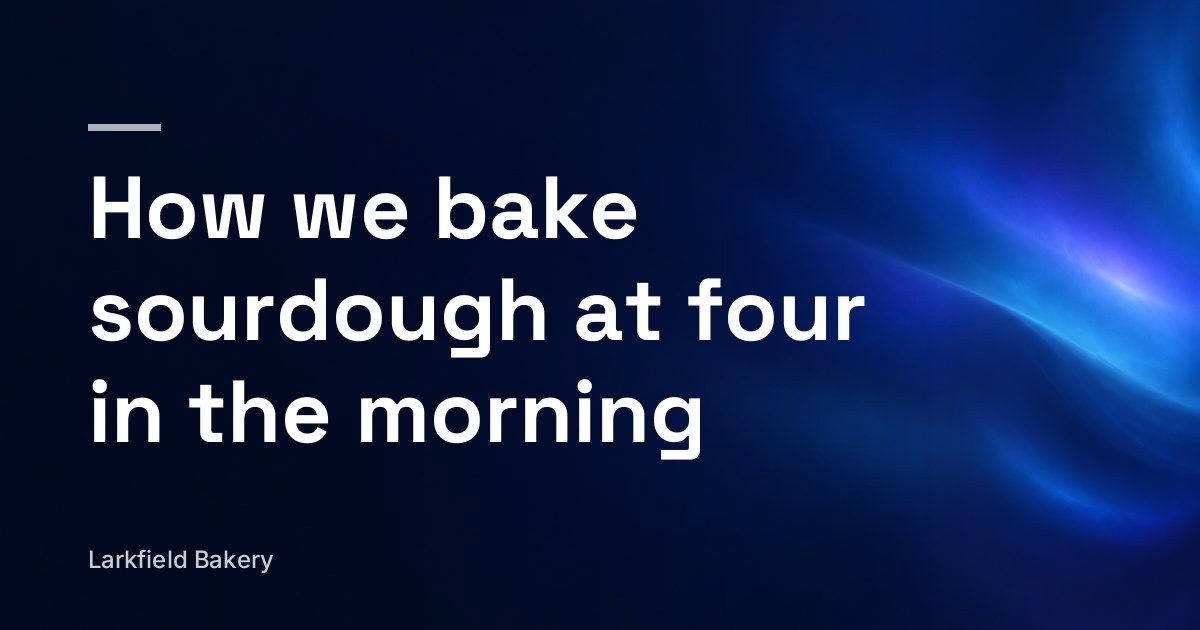
Space Grotesk
-
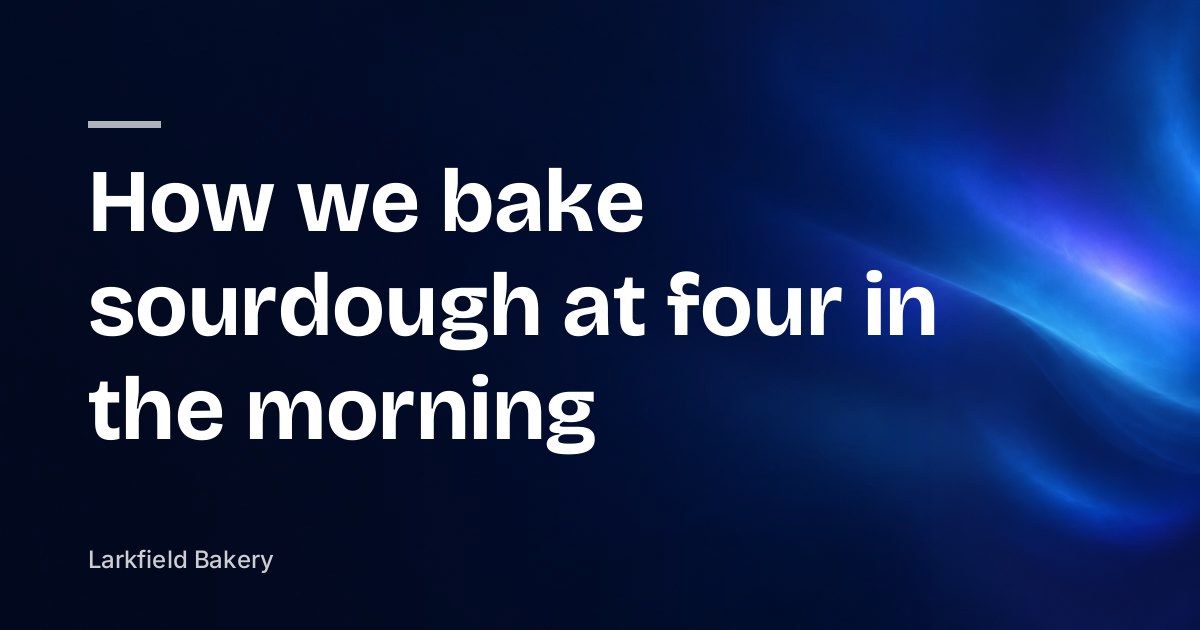
Bricolage Grotesque
-
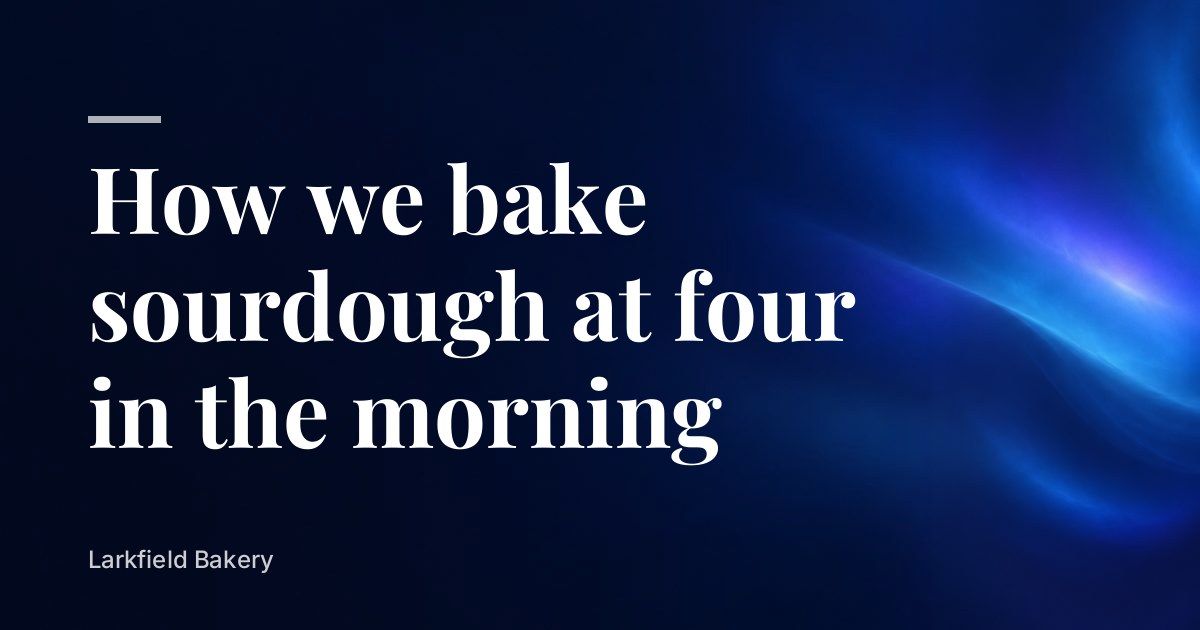
Elegant Serif
-
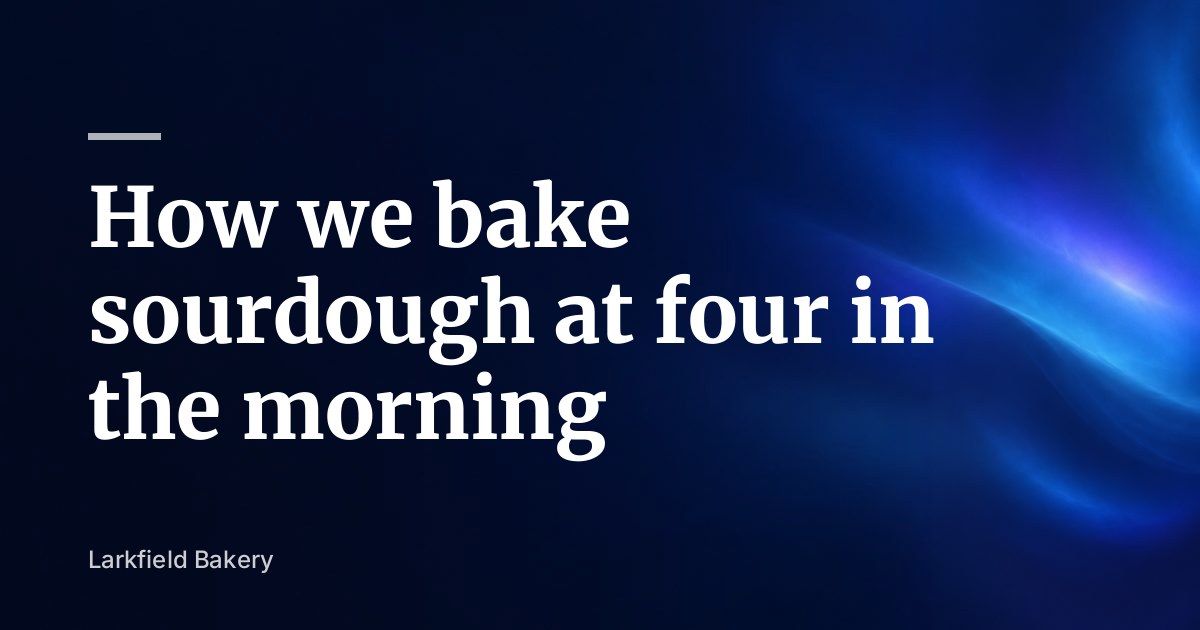
Sturdy Serif
-
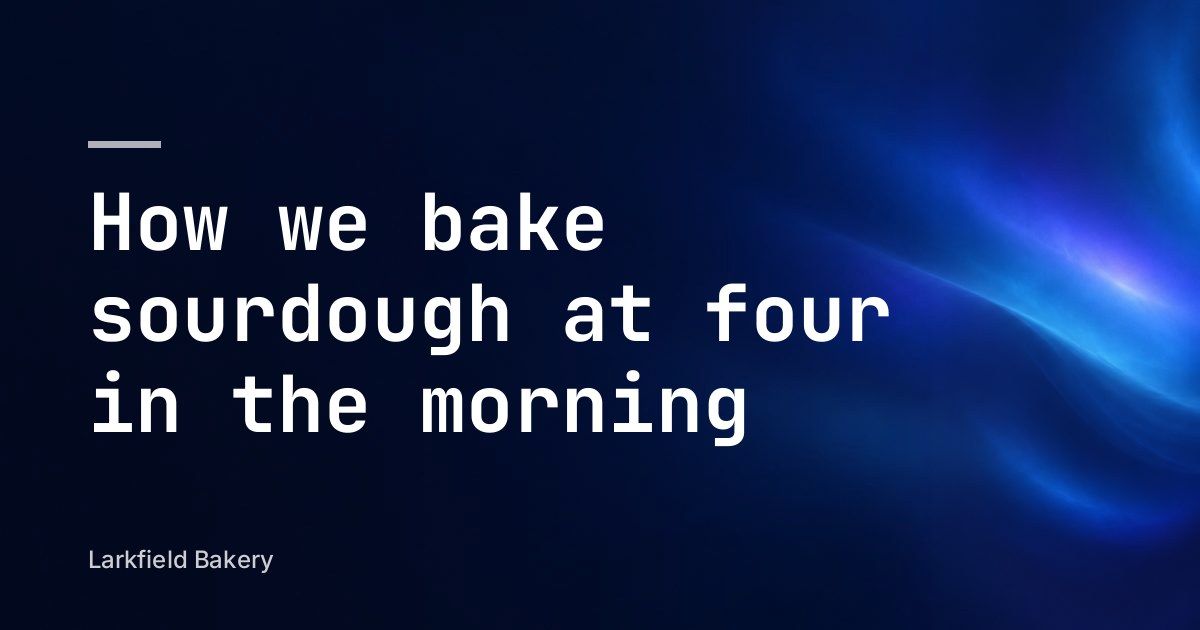
JetBrains Mono
Will the same picture show when someone shares my link?
It can. When a link is shared, social networks show the picture from the page's link preview tags. PressQueue can put the social image there, and then it appears wherever the link is shared.
PressQueue hands the image to The SEO Framework, Yoast SEO, Rank Math or Jetpack. With no SEO plugin, it adds the tags itself. An image you set for a single post in your SEO plugin still wins.
Use the social image for every post Recommended
Every post shows its PressQueue image when someone shares the link.
Only for posts without an image of their own
Posts that already have a preview image keep it.
Do not change link previews
Your theme or SEO plugin decides, as before.
Where are the images made?
On your own server, with PHP's GD image library. No outside service is involved.
When are they made?
The first time a post needs one, and again when its title or your style changes. Old images are cleaned up later.
Where do they go?
Into your uploads folder. They stay out of the Media Library and are deleted with their post.
If the server cannot draw images, PressQueue shares the post with text and link. The social images page in the docs has every setting.
Try PressQueue on your site
Install PressQueue, pick a style and set a rule to use the social image.