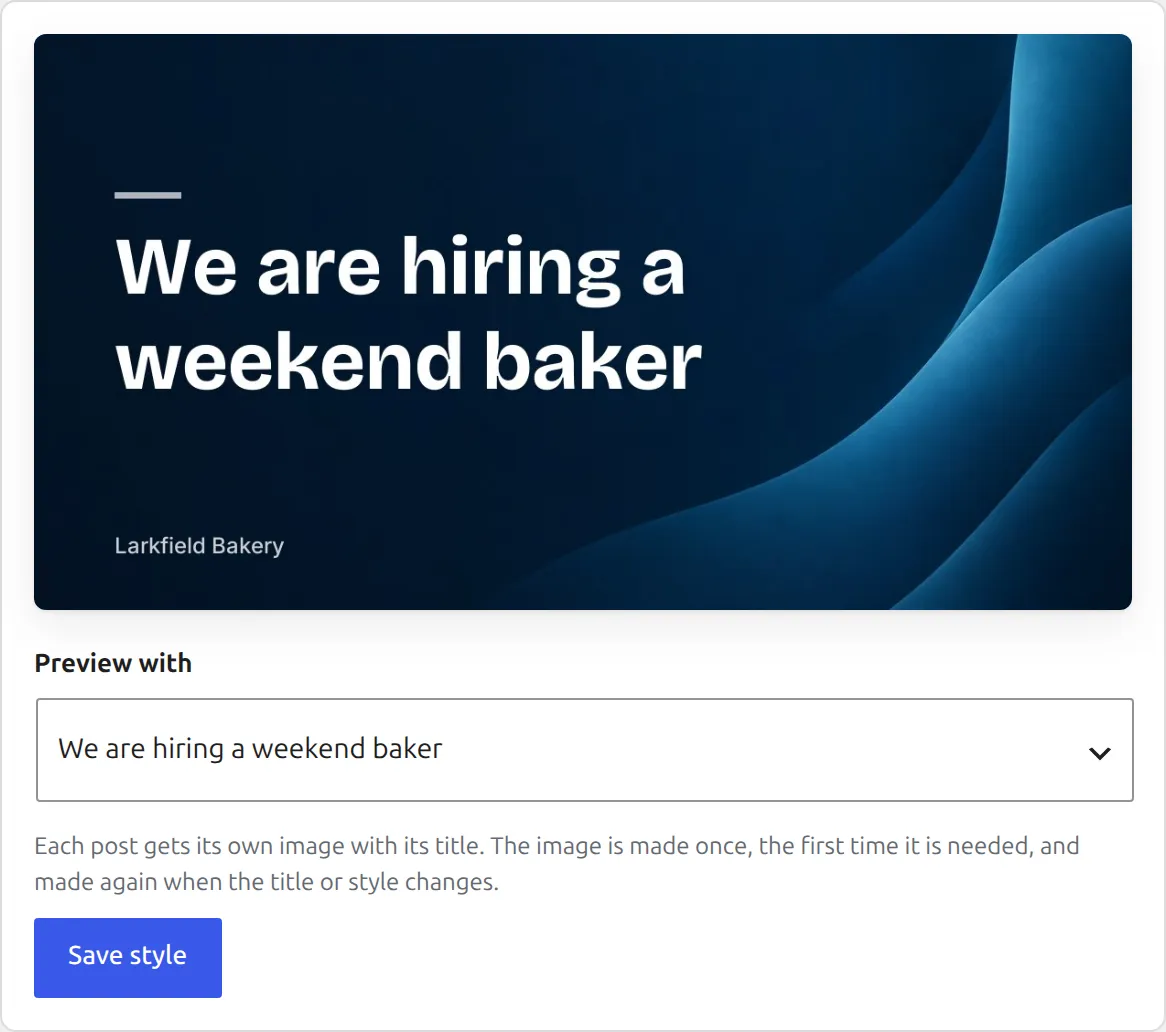
A social image is a picture PressQueue draws for a post: the post title on a background, with your site name under it. It is 1200 by 630 pixels, saved as a JPEG. Posts without a good photo still get a picture in the feed.
Pick the style
Open PressQueue, Settings, Social images. The preview at the top shows the image with one of your recent post titles. "Preview with" switches the title, or you type your own text.
- "Background": 24 backgrounds in five groups, Gradients, Paper and texture, Shapes, Photos and Tech. Under "Your own", click "Choose an image" to use a picture from your Media Library. Use a wide image of at least 1200 by 630 pixels. It is cropped from the middle to fit.
- "Font": Inter, Space Grotesk, Bricolage Grotesque, Elegant Serif, Sturdy Serif or JetBrains Mono.
- "Text color": Automatic, White or Black.
- "Title position": Left or Centered.
- "Show the site name under the title", with a "Site name" field. Leave it empty to use your domain.
Click "Save style". New social images use the style from then on.
Use it for shares
In a rule, set "Image" to "Social image with the post title". For a single post, open "Customize for this post" in the editor and set "Image" to "Social image with the title". The Social images page lists under "Where it is used" which rules use it.
How the image is made and stored
The image is made the first time a post needs it, and made again when the title or the style changes. Files are saved in wp-content/uploads/pressqueue/social. They are hidden from the Media Library and deleted with their post. When a new image replaces an old one, the old file is kept for 30 days, because Buffer fetches the image by its address when a queued post goes out.
If the image cannot be made, the post is shared with text and link.
Link previews
When someone shares a link to your post, the social network takes the picture from the page itself. The same social image can be that picture, so your posts look the same wherever they are shared.
Under "Link previews" on the Social images page, choose one of:
- "Use the social image for every post". Recommended.
- "Only for posts without an image of their own". Posts that already have a preview image keep it.
- "Do not change link previews". Your theme or SEO plugin decides.
With The SEO Framework, Yoast SEO, Rank Math or Jetpack, PressQueue hands the plugin the image and the plugin prints the tags. An image you set for a single post in that plugin still wins. With no SEO plugin, PressQueue prints the og:image and twitter:image tags itself. With another SEO plugin that prints its own tags, PressQueue cannot hand it the image. Set the image in that plugin instead.
Link previews apply to posts and other public post types, but not to pages. Developers can change that and the text on the image with two filters.
If the server cannot draw images
Social images need the PHP GD extension with FreeType. Without it, the Social images page says "This server cannot draw images." Ask your host to turn it on. Until then, posts are shared with text and link.